What's New
Introducing CSV Edit
With CSV Edit, you can edit multiple lineups at once with only a few clicks. This feature is especially useful in the case of a weather event or roster change that affects multiple lineups. CSV Edit is available for ALL FanDuel players. Just follow the instructions below to start using it today.
Step 1:
To use the CSV Edit feature, first click the Upcoming tab on your computer. Then, find the slate you want to edit and select 'CSV Edit.'

Step 2:
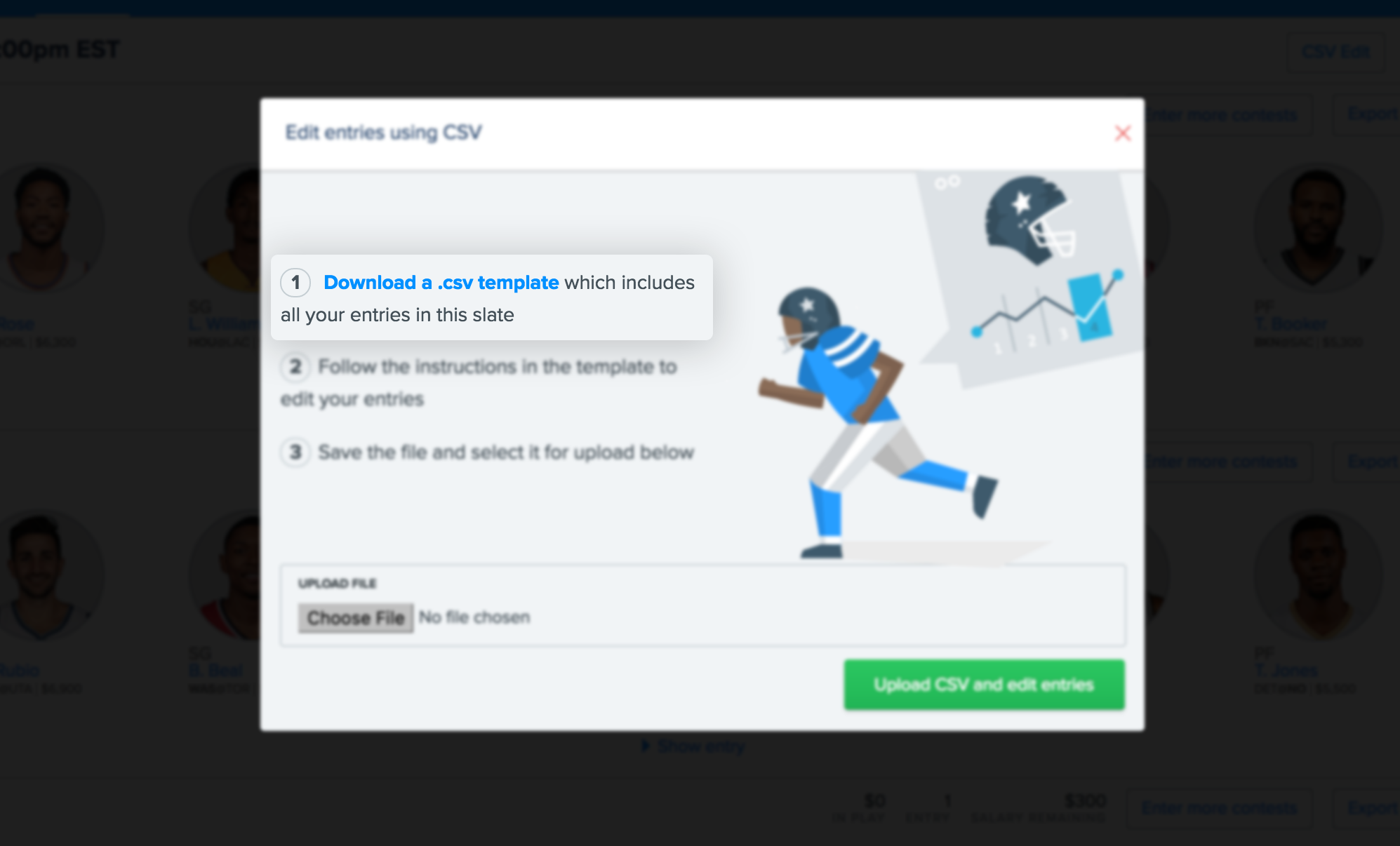
Click to download a CSV template with your current entries.
Step 3:
When you open the CSV file, you’ll see each of your contest entries listed in the rows on the left hand side. On the right, you’ll find a list of eligible players. To edit an entry, find a player in the list of eligible players and replace a player in your entry. You can use either "Player ID + Player Name" or "Id."

Step 4:
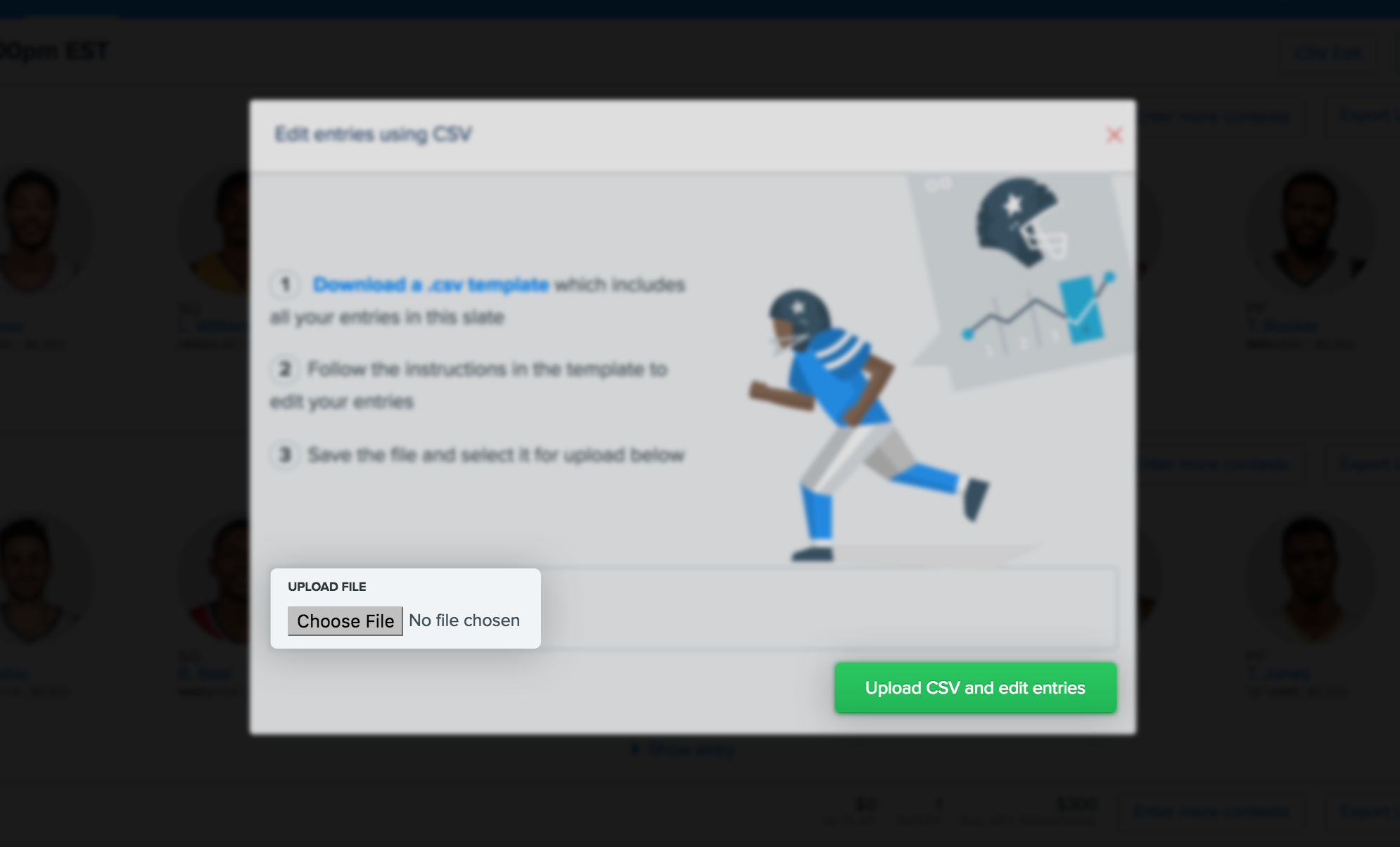
When you’ve completed your edits, save the CSV file and return to your web browser. Then locate your file and select "Upload CSV and edit entries."
Step 5:
After your file is uploaded, the results will be displayed. Any edits that were unsuccessful will be highlighted. You can download a CSV of unsuccessful entries to correct any issues with your edits.
